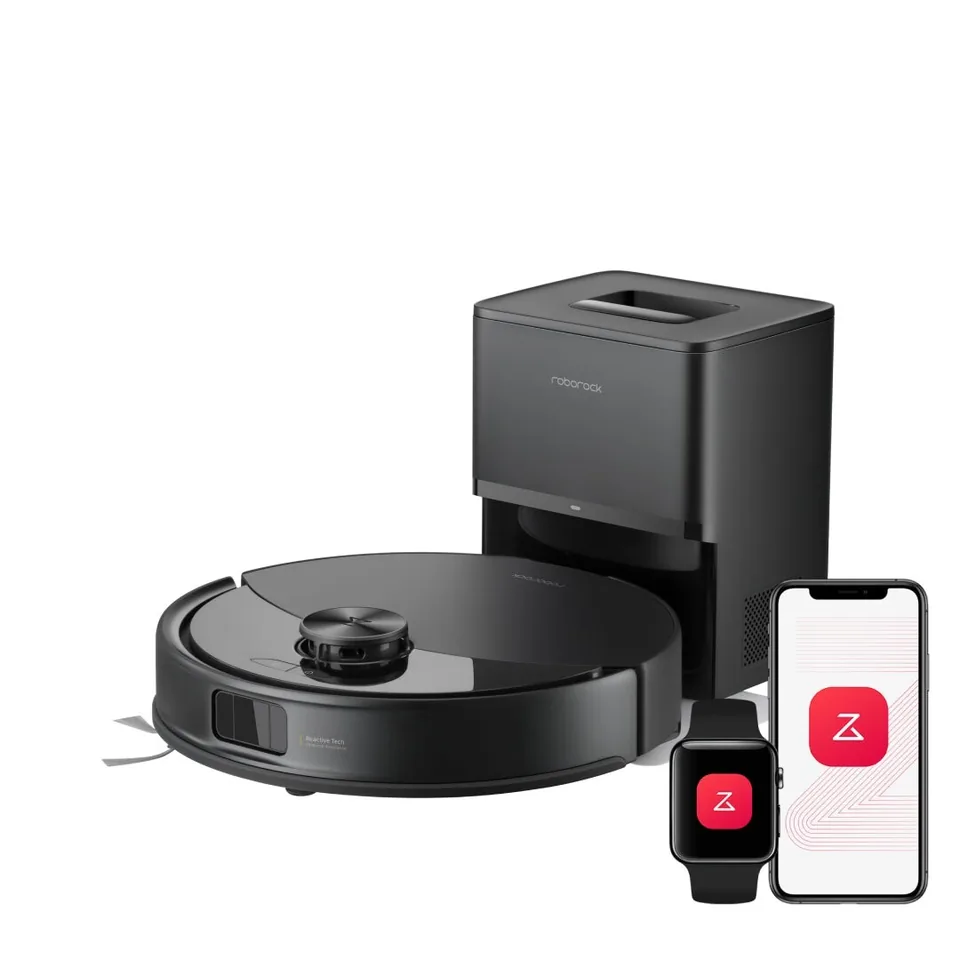
The four dock tiers, in one table
A robot vacuum's dock is the part you interact with, so it is worth understanding before you compare suction numbers. Listings use different marketing names (RockDock, Omni station, UniClean, base station), but every dock on Amazon fits one of four tiers.
| Tier | What the dock does | What you still do | Floor space |
|---|---|---|---|
| Charge-only | Charges the battery | Empty the onboard bin after most runs, wash mop pads by hand, refill the robot's tank | A shoebox against a wall |
| Auto-empty | Sucks the onboard bin into a bag or bagless canister | Change the bag every 1-3 months, hand-wash any mop | Roughly 8-10 in wide, 10-17 in tall |
| Omni (mop-washing) | Empties the bin, washes and dries the mop, refills the robot's tank, often doses detergent | Fill the clean tank and empty the dirty tank every few runs, change bags, top up detergent | Around 14-16 in wide, 17-20 in deep, 17-18 in tall, plus clear floor in front |
| Plumbed (water hookup) | Everything above, with tanks fed from a supply line and drained to a waste line | Change bags, top up detergent, replace worn parts | The omni footprint, within hose reach of plumbing |
The jump from charge-only to auto-empty removes the daily bin emptying. The jump to an omni dock removes daily mop care. The plumbed kit removes the water tanks from your routine. Nothing removes the brushes, filters and pads, which is why the consumables table further down matters.
Auto-empty docks: bagged versus bagless
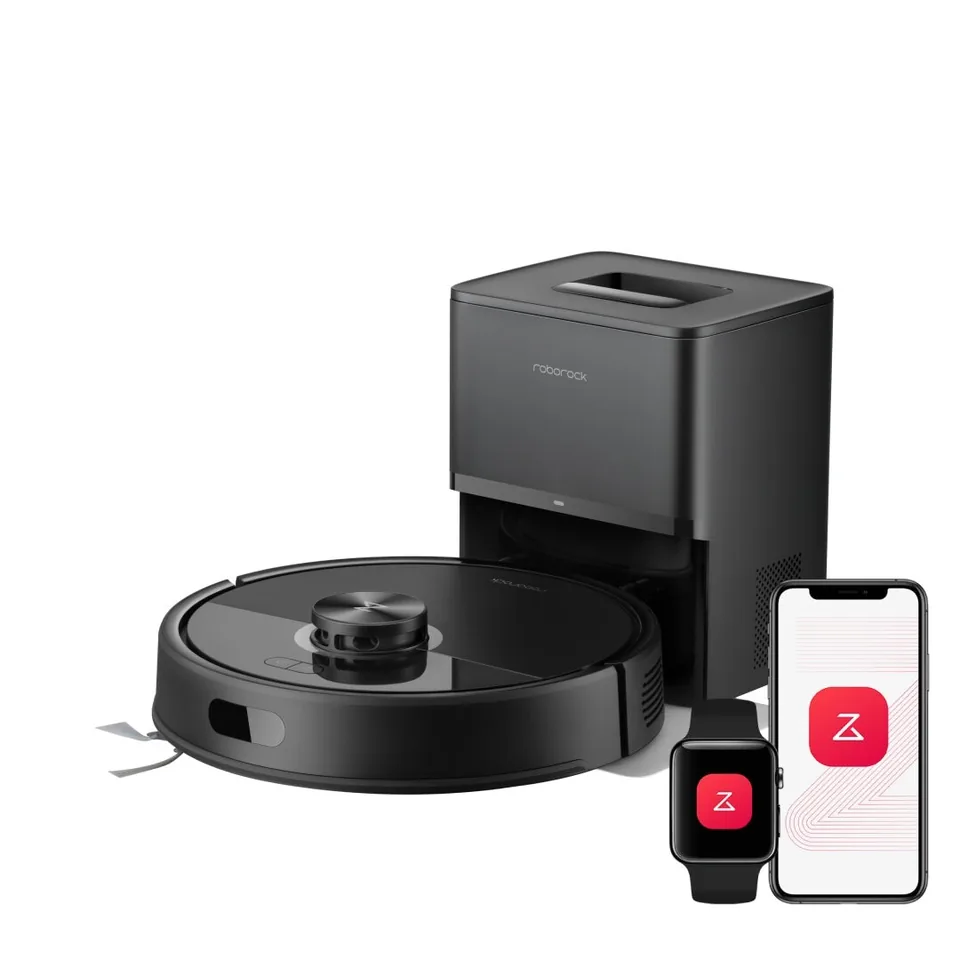
Most auto-empty docks pull the robot's small onboard bin into a sealed disposable bag. The bag is the point: it keeps fine dust closed off, and you carry it to the trash without touching what is inside. The Roborock Q7 M5+ is a typical example, with a 2.7 L bag that Roborock rates for up to seven weeks in a dock only about 8.3 by 7 by 10.2 in.
A minority of docks are bagless. Shark's PowerDetect robot uses a canister that you tip into the trash, and Vacuum Wars notes that this remains unusual in the category. Bagless saves the recurring bag cost but returns the dust cloud to you at emptying time, and the canister filter needs washing. Vacuum Wars' maintenance guide also warns that third-party bags performed poorly in its evaluations, so with a bagged dock you should budget for the brand's own bags.
Bag life ratings assume a normal household. A shedding dog fills any bag faster, and the rating scale runs from about seven weeks on Roborock's small RockDock Plus to 100 days on Dreame's 3.2 L bag.
Omni docks: what cold water, hot water, drying and detergent each buy you
An omni dock adds a wash tray, a clean water tank and a dirty water tank. The robot returns during the job, the tray flushes the mop, and dirty water is pumped into the second tank. Four details separate cheap omni docks from expensive ones.
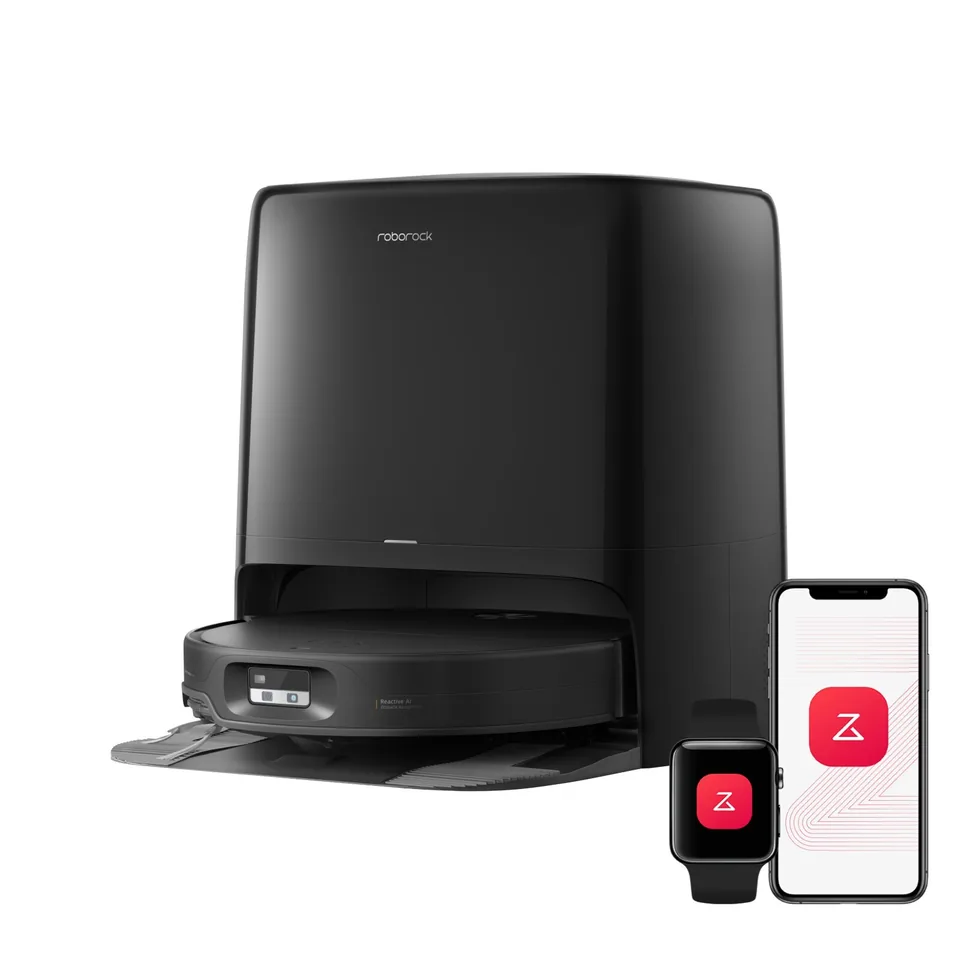
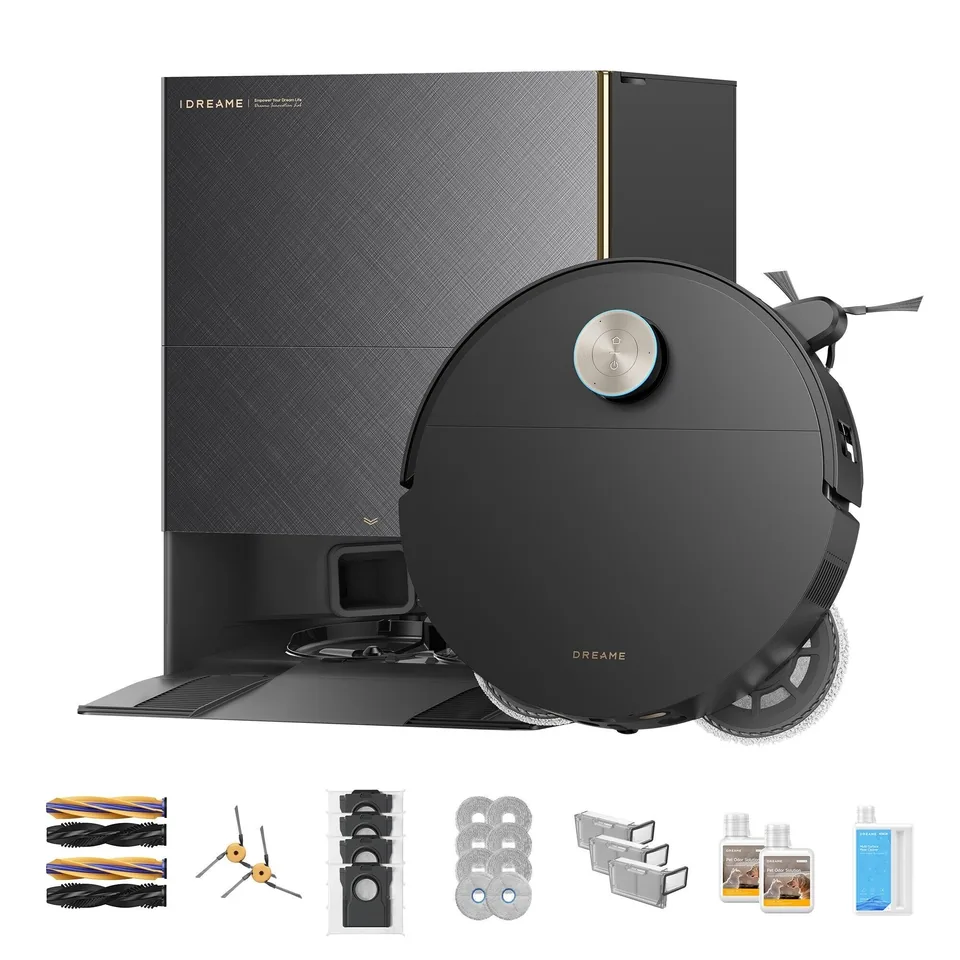
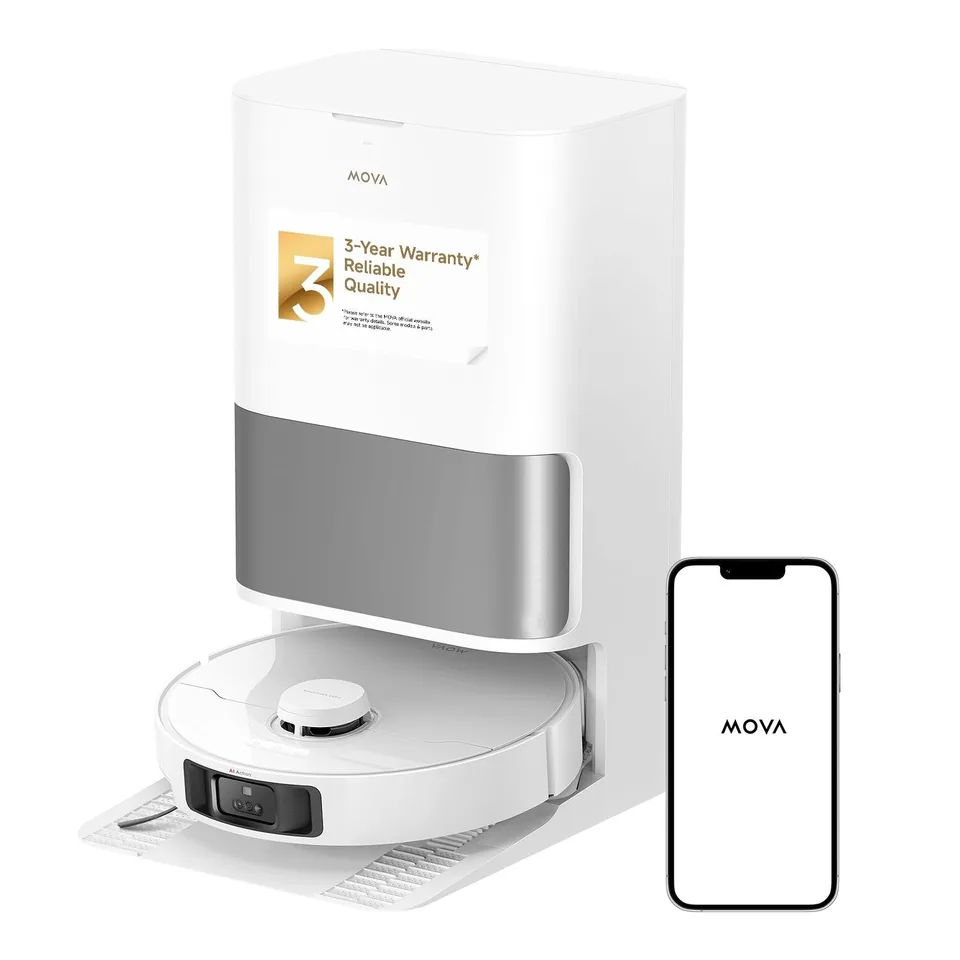
Wash temperature. The eufy Omni C28 rinses the mop with unheated water. The MOVA P10 Pro Ultra uses heated water: MOVA lists 149°F and Vacuum Wars reports 140°F. The eufy Omni S2 washes at 140°F. The Roborock Qrevo Edge 3 Pro and the Dreame X60 Max Ultra Complete both heat wash water to 212°F, which does more against kitchen grease than a cold rinse can.
Drying. Damp pads in a closed tray sour within a day or two. Heated drying, listed at 131°F on the Roborock and 95-122°F on the eufy C28, is what stops the dock from smelling. Treat a dock without drying as a dock you will be opening regularly.
Detergent dosing. The Roborock and the Dreame add cleaning solution from a cartridge automatically, and Vacuum Wars reports that the MOVA P10 Pro Ultra's dock doses solution too; the Dreame X60 Max Ultra Complete has two compartments, one of them for a pet-odor formula. The eufy C28 has no dispenser, so any solution goes into the clean tank by hand.
Tray self-cleaning. The Roborock flushes its own wash tray and the Dreame X60 has a washboard auto-clean cycle. Without one, Vacuum Wars suggests wiping or rinsing the tray monthly and cleaning dirty water tanks weekly to prevent build-up.
Placement is the cost. An omni dock is roughly the size of a bathroom bin: Roborock lists the Edge 3 Pro dock at 15.83 by 19.45 by 17.72 in, and Tom's Guide measured the eufy C28 station at 17.2 by 13.9 by 16.9 in. Both manufacturers ask for clear floor in front and to the sides so the robot can line up. A hall closet with a power outlet is ideal; a spot next to the sofa is not.
Plumbed kits: auto-refill and drain
The last chore an omni dock leaves you is water. Owner reviews of the Dreame X60 report refilling the clean tank after roughly 600 sq ft of mopping, which in a large hard-floor home means a trip to the dock every couple of runs. A water hookup kit replaces the two tanks with a module that tees into a cold supply line and drains to a waste line.
Roborock sells the Refill & Drainage System bundled with S8 MaxV Ultra, S8 Max Ultra and Saros 10 docks; its kit includes a 6 m quarter-inch inlet pipe and a 6 m drain pipe, and Roborock recommends placing the dock within 6 m of both connections. Dreame sells a Water Hookup Kit for its recent Ultra docks with clean and used water pipes, a three-way diverter valve, elbow connectors and locking clips. Check Dreame's compatibility list for your exact model; the listings we found name the X50 Ultra, and third-party kits for other docks fill the gap with less certainty about fit. Vacuum Wars reported at the X60 launch that a plumbed Master version may follow, without a date.
Two cautions. Kits are rated for cold water only, and any plumbing tee introduces a leak point in a room that may not have a drain in the floor. If you rent, or your only plumbing is a kitchen sink far from where the robot lives, this tier is not for you.
What you will buy every year
Manufacturers publish replacement intervals in their manuals, and the apps count usage against them. The table converts those intervals into example yearly counts for the four picks from our two lists, assuming one full-home run a day. Ranges reflect the manufacturer's stated range; pets, long hair and daily mopping push you toward the higher number.
| Consumable | Roborock Q7 M5+ (auto-empty) | eufy Omni C28 (omni, cold wash) | Roborock Qrevo Edge 3 Pro (omni, hot wash) | Dreame X60 Max Ultra Complete (omni, hot wash) |
|---|---|---|---|---|
| Dust bags | 2.7 L, rated 7 weeks: about 7-8 a year | 3 L, rated 75 days: about 5 a year | Rated 65 days: about 5-6 a year | 3.2 L, rated 100 days: about 3-4 a year |
| Washable filter | Replace every 6-12 months: 1-2 | Every 3-6 months or 360 hours: 2-4 | Every 6-12 months: 1-2 | Every 3-6 months: 2-4 |
| Main brush | Every 6-12 months: 1-2 | Sold in eufy's 6-month kit: about 2 | Every 6-12 months: 1-2 | Every 6-12 months: 1-2 |
| Side brush | Every 3-6 months: 2-4 | Two per 6-month kit: about 4 | Every 3-6 months: 2-4 | Not specified; kit sized for 6 months |
| Mop | Cloth, replace every 3-6 months: 2-4 | Two roller mops per 6-month kit: about 4 | Pads, every 1-3 months: 4-12 pairs | Three pad pairs per 6 months: about 6 pairs |
| Detergent | None dispensed (Roborock solution optional, 1:200 in the tank) | None dispensed; any solution goes into the clean tank by hand | Cartridge, refilled undiluted from a 480 mL bottle | Two compartments; two 200 mL pet-odor bottles and a 1 L cleaner come in the box |
| Dock extras | Dock filter, wipe as needed | Two dirty-tank filters per 6-month kit | Wash tray filter, clean as needed | Wash tray filter, clean as needed |
Sources for the intervals: Roborock's Q7 series and Qrevo Edge series manuals, eufy's C28 replacement kit and filter pages, and Dreame's X60 series manual. Roborock's general maintenance blog gives a shorter filter interval of about two months, so treat the manual figures as the outer limit.
Three things stand out. Bags are the biggest recurring item on an auto-empty dock, and the count falls by half between the smallest and largest bags. Mop pads are the biggest item on an omni dock, and a dock that washes in hot water and dries the pads tends to be paired with a longer pad interval than a passive cloth that you scrub by hand. Detergent is the least predictable line: neither Roborock nor Dreame publishes how many runs a cartridge covers, so the honest answer is that you will find out after the first month.
Who should stop at auto-empty
Stop at an auto-empty dock if most of your floor is carpet, if you have a small apartment where a 19 in deep dock would live in the middle of a room, or if mopping means an occasional pass rather than a daily habit. The Roborock Q7 M5+ and the other auto-empty picks in our under-$500 list cover this case: bags every couple of months, a filter and brushes once or twice a year, and a mop cloth you rinse in the sink. Also stop here if you do not want a dock that holds water; an omni dock's dirty tank is one more thing to empty and rinse.
Who benefits from a full omni dock
Choose an omni dock if hard floors are the majority, if you have pets or a kitchen that needs mopping most days, and if you can give the dock a permanent spot with clear floor around it. The picks in our robot vacuum and mop combos list all wash, dry and refill; the Qrevo Edge 3 Pro and X60 Max Ultra Complete add hot water, heated drying and detergent, which is the combination that keeps the dock from becoming a chore of its own. The Omni C28 delivers most of the automation with a cold rinse, which is fine for daily dust but asks more of you after a greasy spill.
Go one step further to a plumbed kit only if you have a large hard-floor area, a supply line and drain within hose reach, and the patience to install and monitor it. For everyone else, the omni dock's two tanks are a few minutes a week, and that is usually the right place to stop.
All 22 sources
- m.media-amazon.com /images/I/81Dp0vonvVL.pdf
- support.roborock.com /hc/en-us/article_attachments/46138332620569
- us.roborock.com /blogs/blog/how-to-maintain-your-roborock-robot-vacuum
- us.roborock.com /products/roborock-q7-m5-plus
- us.roborock.com /pages/roborock-qrevo-edge-3-pro
- us.roborock.com /products/roborock-official-floor-cleaning-solution-for-robot-vacuums
- us.roborock.com /products/roborock-saros-10-robot-vacuum-with-refill-drainage-system
- eufy.com /products/t291var0
- eufy.com /products/t290b121
- eufy.com /products/t211a110
- support.dreametech.com /hc/en-us/articles/17134680083471-Dreame-X60-Series-Official-User-Manual-Setup-App-Maintenance
- vacuumwars.com /dreame-x60-first-look
- vacuumwars.com /dreame-x60-max-ultra-complete-review
- vacuumwars.com /roborock-qrevo-edge-3-pro-launch
- vacuumwars.com /robot-vacuum-maintenance
- vacuumwars.com /shark-powerdetect-robot-vacuum-review
- dreame.africa /products/x50-ultra-water-hookup-kit-for-auto-refilling-and-draining
- dreametech.com /pages/water-hookup-for-auto-refilling-and-draining-product-guide-video
- ui44.com /blog/robot-vacuum-plumbing-water-hookup-auto-fill-drain-guide
- us.mova.tech /products/p10-pro-ultra-robot-vacuum
- vacuumwars.com /mova-p10-pro-ultra-review-best-value-of-the-year
- vacuumwars.com /mova-p10-pro-ultra-gen-2-vs-p10-pro-ultra-review